
Extras: a round of changes, a setup call and 12 more months
What the three extras are, what they cost and how to use them.
3 min readUpdated 18 October 2026
In a nutshell
- Extra round of changes: one more change request done by us.
- 30-minute call with us: by video. Único already includes it.
- 12 more months: the site stays online for 12 more months. On any plan, as many times as you like.
- Add them when you publish or buy them later, in Your plan, where each one shows its price.
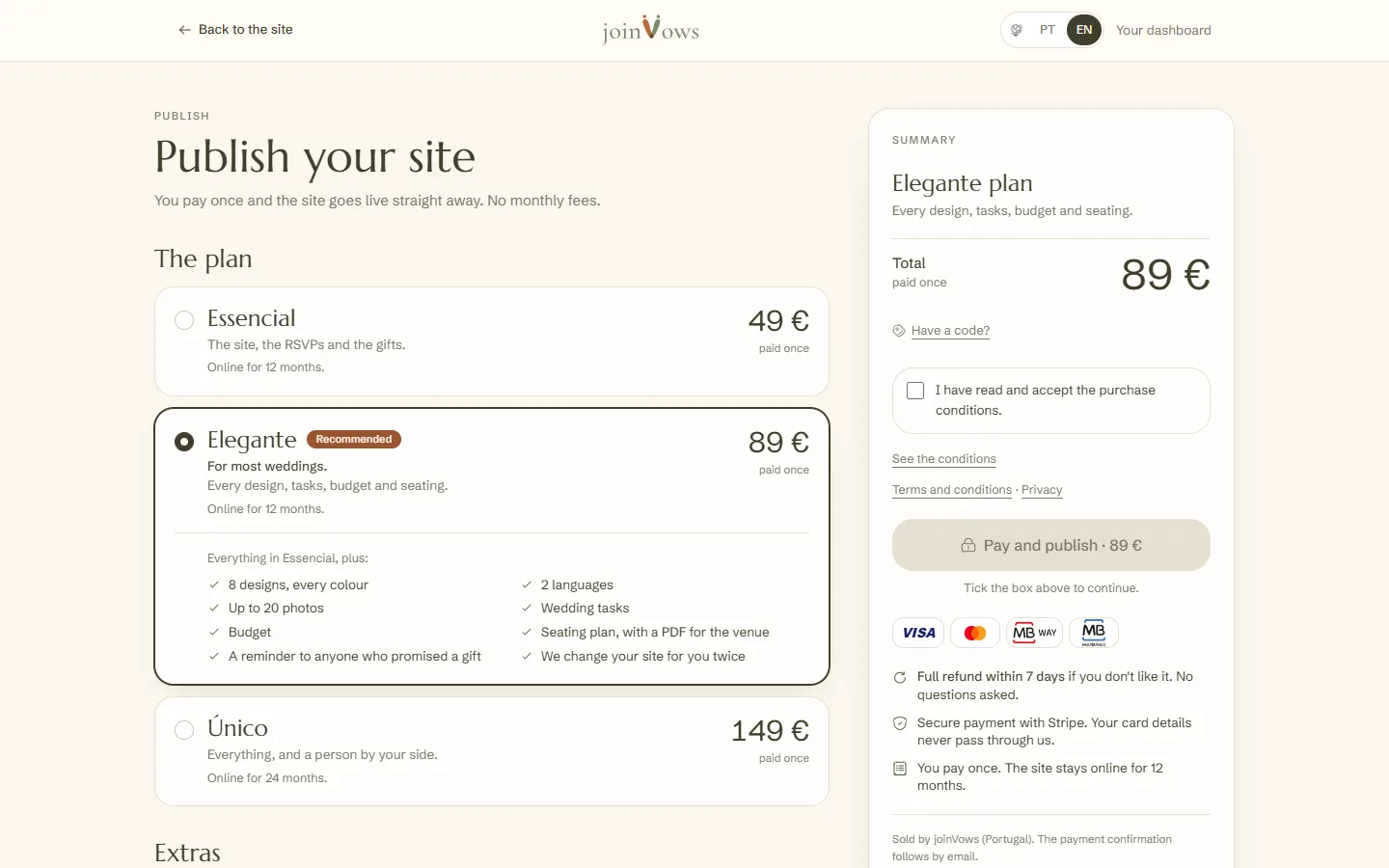
Extras are optional and paid once, like the plans. Today there are three. Each one's price is in Publish (once you have paid, Your plan) and on the Prices page.
Extra round of changes
What you can change yourselves, you change in the editor. For the rest, you ask us and we do it. Each request uses one round. Essencial includes 1 round, Elegante 2 and Único 3.
- 1
Open the request
In Your site, press Ask the team for a change. There you see how many rounds you have used. The button appears once you have paid for the site: the rounds come with your plan.
- 2
Say what you want
Choose the Part of the site, write what you want to change and press Send request. We reply by email and on your dashboard.
- 3
When your rounds run out
Buy an extra round appears, which opens Your plan. You buy one round at a time: buy it, use it, and you can buy another.
30-minute call with us
30 minutes by video: we set up the site with you and answer all your questions. You can buy it on Essencial and Elegante. Único already includes it.
You book the call inside the dashboard. After you pay, the confirmation screen shows Book the call. You also find it under Call in the menu, and among the Overview's notices, in a line that says when it is (or that you haven't booked it yet). That line can be closed; Call in the menu always stays.
- 1
Open **Call** in the menu. The calendar already has your name, email and site address filled in.
- 2
Pick the day and the time, and confirm.
- 3
Within seconds, the page shows **Call booked** with the day and time. You also get a confirmation email.
On the day, the Join the call button appears 10 minutes before the time. To change the time or cancel, use Change the time or Cancel on the same page. After the call, the dashboard shows Call done.
12 more months
Adds 12 months to your site's time online, with everything working. You can buy it on any plan, before or after the time ends, as many times as you like. The 12 months count from the end of the time, or from the day you pay if it has already ended. See How long your site stays online.
How to buy
In Your plan, under Extras, tick what you want. The total shows in the summary. Press Pay and choose a method.
FAQ
What counts as one round?
One request, with the changes you want in one part of the site. The more specific it is, the faster it gets done.
Do extras count towards an upgrade?
No. The difference for an upgrade counts only what you paid for the plan.
We need the site in another language. Is there an extra?
It cannot be bought on the dashboard yet. Talk to us at support@joinvows.com.
Did this guide help?
Don't have a site yet?
Create yours in two minutes. Free until you decide to publish.
Create our site (opens in a new tab)