
FAQ and dress code
The questions guests would otherwise message you, with ready suggestions, and where to put the dress code.
2 min readUpdated 18 October 2026
In this guide
In a nutshell
- In the editor, open FAQ.
- Tap the suggestions to add them and write the answers.
- The dress code can be one of the questions. Some designs have a part of their own for it.
Parking, children, what time to arrive: one answer on the site saves you dozens of messages.
Add questions
- 1
Open the questions
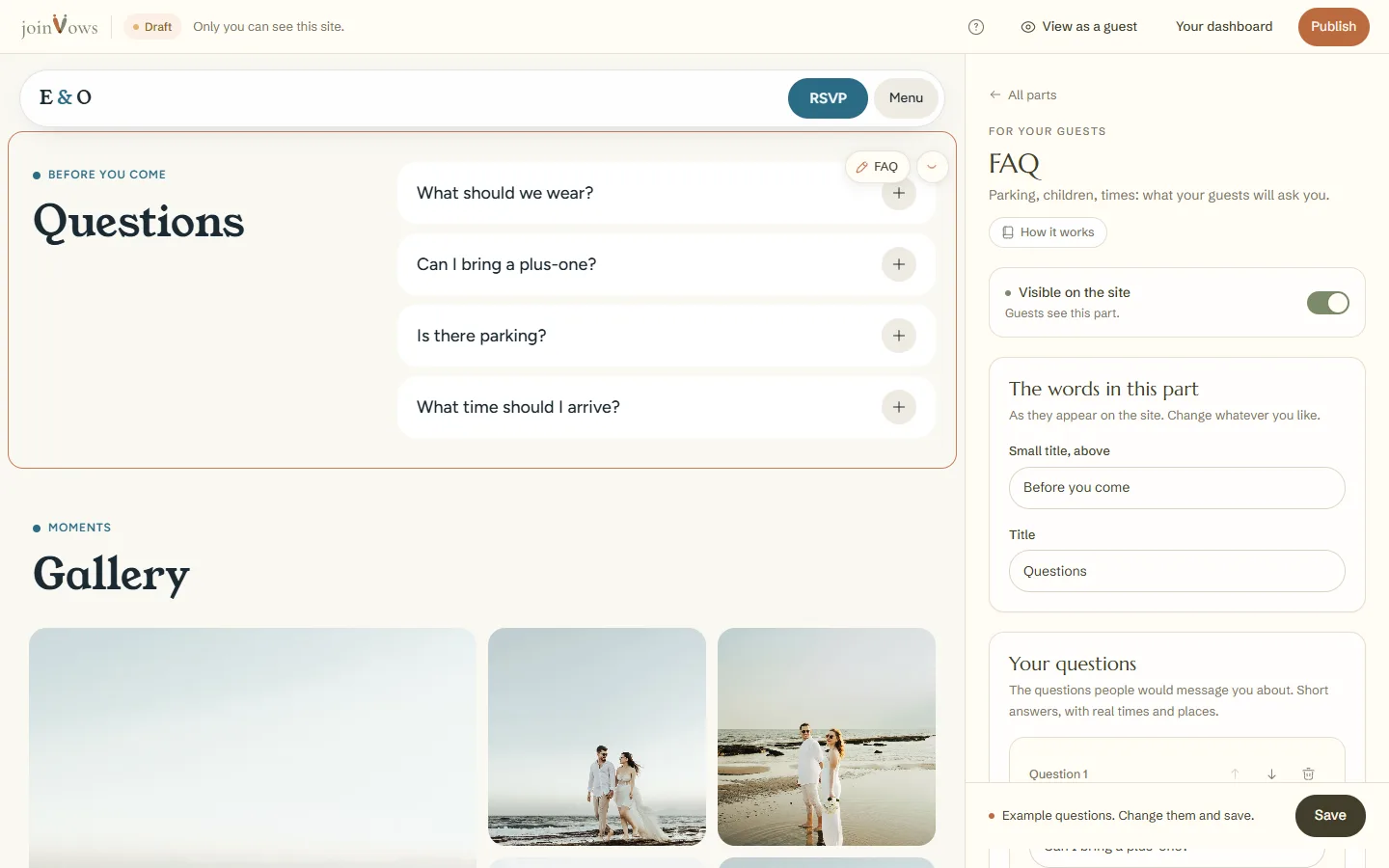
In the editor, tap FAQ in the list of parts.
- 2
Pick suggestions
Under Questions guests often ask, tap a question to add it. You write the answer: the example in the field is only an idea.
- 3
Or write your own
Press Write another question. Use the arrows to change the order.
- 4
Save
Press Save at the bottom of the panel. It saves the questions and the words of this part in one go. You can have up to 30 questions.
The dress code
- Some designs have a Dress code part in the list of parts. Write What to wear there, in one line. In several of those designs, it shows as the first FAQ question.
- In the other designs, add the suggestion What is the dress code? to your FAQ.
FAQ
On a site in two languages, do I write the questions twice?
Yes, the questions are written in each language. Choose the language under Writing in, at the top of the panel.
Do guests see the example questions?
No. Until you save, the part isn't shown to guests.
Did this guide help?
Don't have a site yet?
Create yours in two minutes. Free until you decide to publish.
Create our site (opens in a new tab)