
Add guests
Type a name, press Enter and move on to the next. The details can wait.
2 min readUpdated 18 October 2026
In this guide
In a nutshell
- In Guests, press Add a guest.
- Type the name and press Enter. The cursor stays in the line for the next name.
- To put a family on the same invitation, create a group afterwards.
Your guest list is in Guests. Each name you type gets its own invitation. Nothing is sent to guests when you add them.
One name at a time
- 1
Press Add a guest
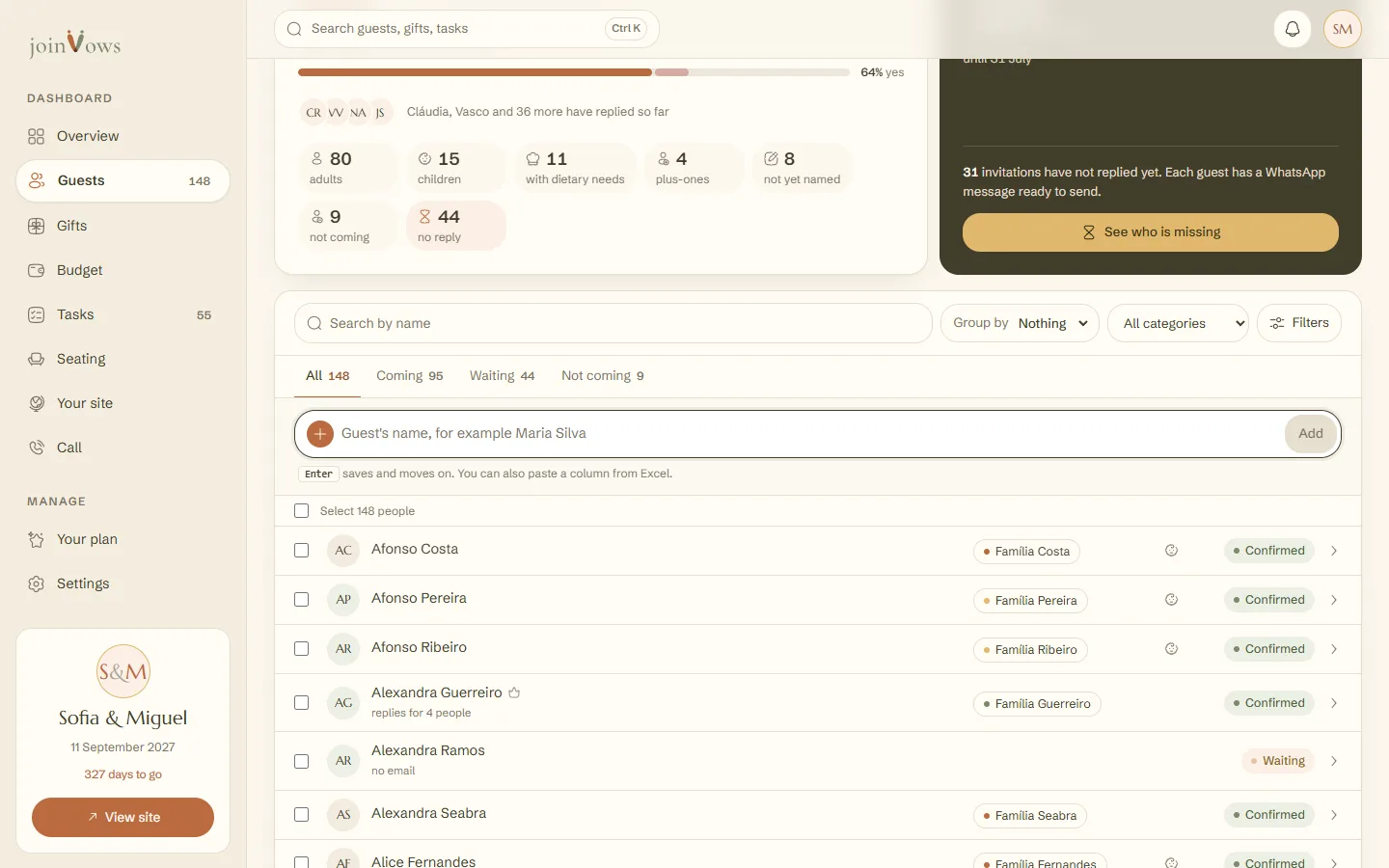
The Add a guest button is at the top of Guests, next to Import from Excel, and in the top bar of the other dashboard pages (on a phone or tablet, just the person icon with a plus sign). It takes you to the add line above the list, with the cursor already in it.
- 2
Type the name and press Enter
For example, Maria Silva. The first word becomes the first name and the rest the surname. The person appears in the list straight away and you can type the next name.
- 3
Fill in the details when you know them
Press a person's name to open their details. There you mark them as a Child, record their reply and write their Dietary needs.
Several names at once
Copy a column of names from Excel or Google Sheets and paste it into the same line. They all go in at once, up to 200 names per paste. For lists with emails or groups, use the import instead.
FAQ
Do guests get anything when I add them?
No. Adding someone only puts them on your list. You share the site link yourselves.
Where do I type a guest's email?
Open the person's details, press More details and type it under Email. It also comes in through the Excel import, in an Email column, or is saved when the guest types it while replying on the site.
How do I take someone off the list?
Open the person's details and press Remove. This can't be undone.
Did this guide help?
Don't have a site yet?
Create yours in two minutes. Free until you decide to publish.
Create our site (opens in a new tab)