
Reset your password
Forgot your password? Ask for a link and choose a new one.
2 min readUpdated 20 October 2026
In this guide
In a nutshell
- On the sign-in screen, press Forgot your password?.
- Type your account email and open the link we send you.
- Choose your new password, with at least 8 characters.
- 1
Ask for the link
On the sign-in screen, press Forgot your password?. Type your account email and press Send link.
- 2
Open the email
You get an email with a link. Open it on the same phone or computer.
- 3
Choose the new password
On the New password screen, type one with at least 8 characters and press Save password. You go straight to your dashboard.
Change your password while signed in
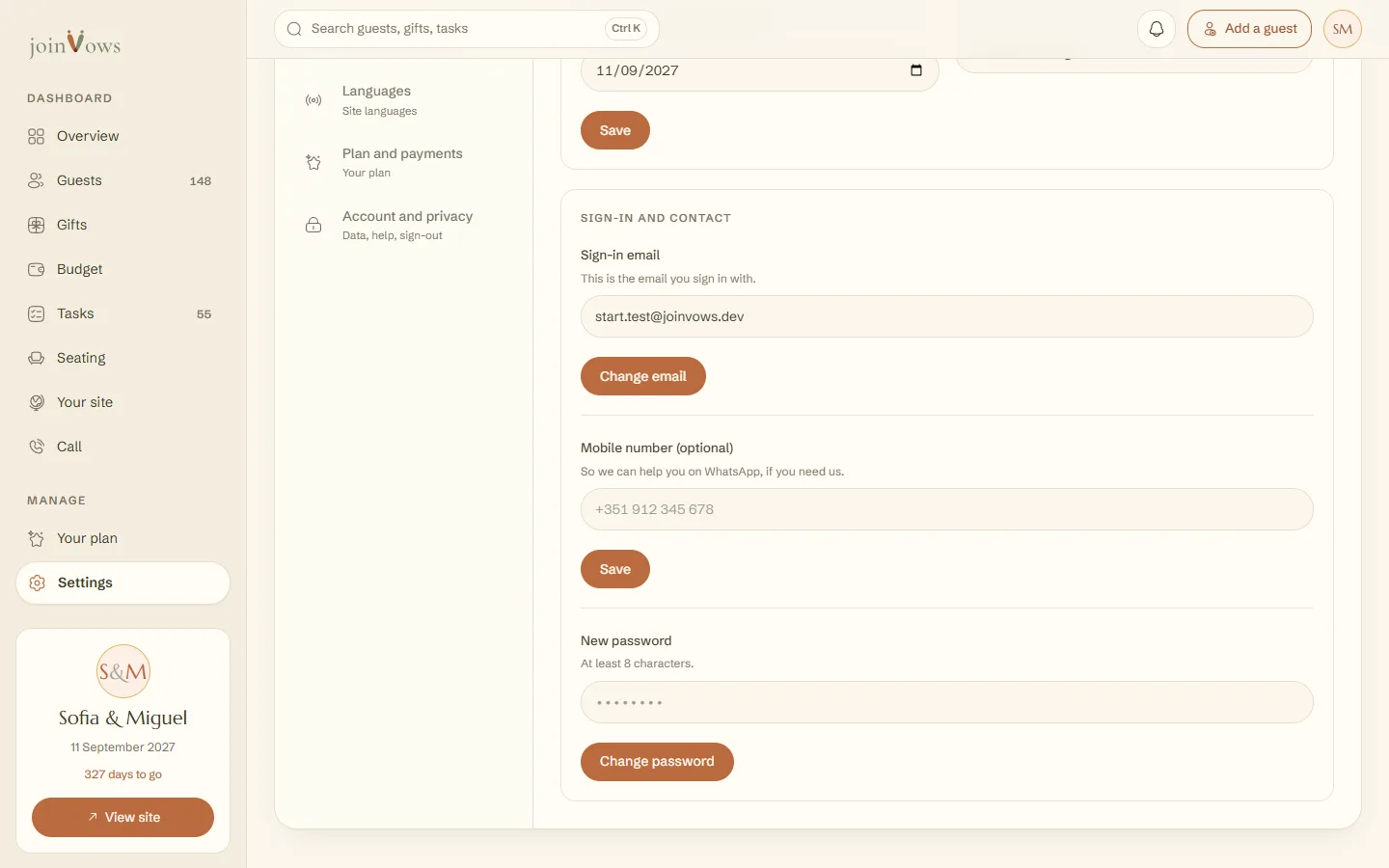
In Settings, open Profile and couple. Type the new one in New password and press Change password.
FAQ
The link no longer works.
Open the link in the same browser you asked in. In another browser, or in your phone's mail app, it says «This link did not open your account». Ask for another one with Forgot your password? and always use the most recent email.
It says "That is your current password".
The new one has to differ from the one you use now. Choose another and save.
It says "Too many attempts in a row".
Wait a few minutes and try again.
We sign in with Google. Do we need a password?
No. If you also want to sign in with email, ask for the link with the same email and choose one.
Did this guide help?
Don't have a site yet?
Create yours in two minutes. Free until you decide to publish.
Create our site (opens in a new tab)