
How to choose and send the couple a gift
Choose a gift on the couple's site and pay them directly, by bank transfer or MB WAY.
2 min readUpdated 18 October 2026
In a nutshell
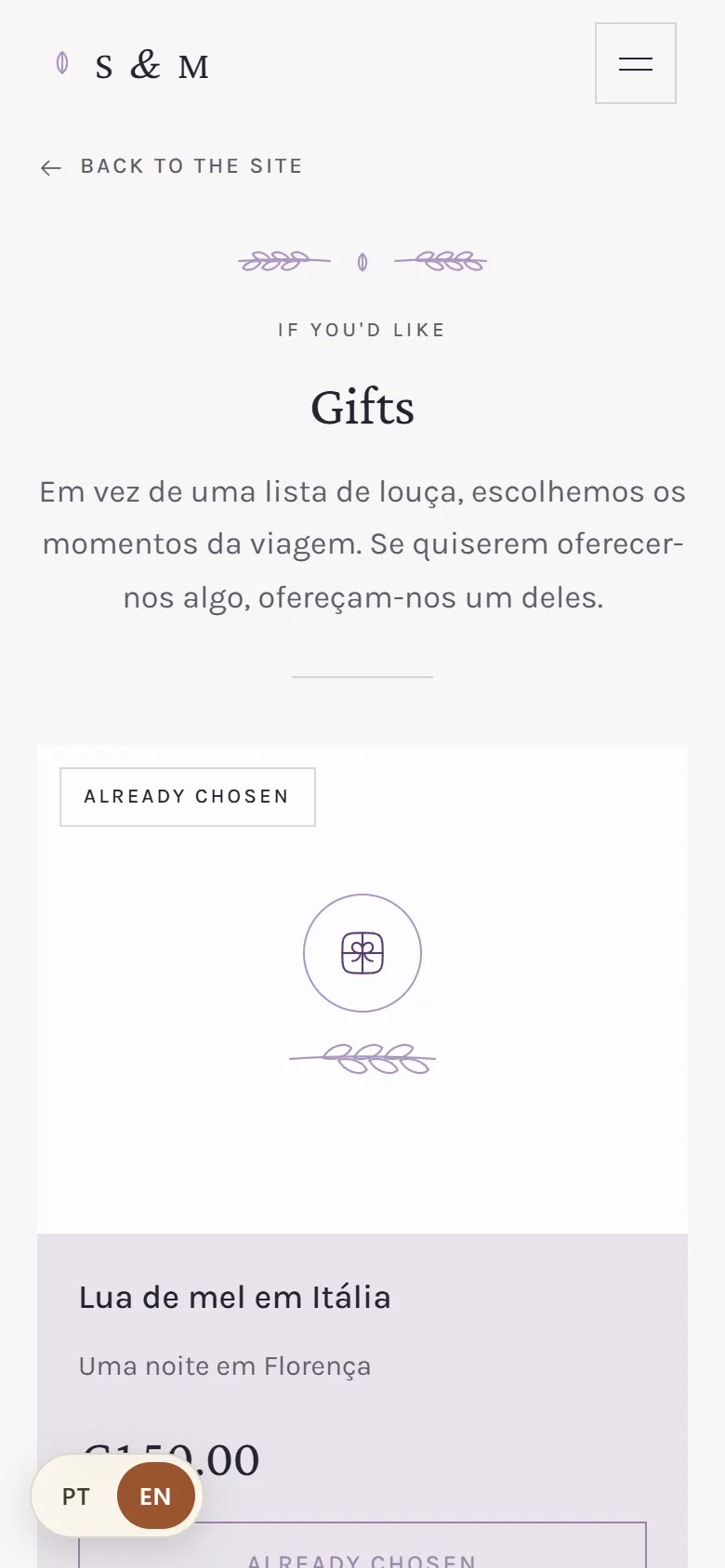
- In the Gifts part of the site, press the button on the gift you want to give.
- Type your name and email and press Confirm gift.
- Send the amount to the couple using the IBAN or MB WAY shown on screen and in the email.
The money goes from you to the couple, from your own bank. The site only records what you chose and gives you the details to pay.
- 1
Choose the gift
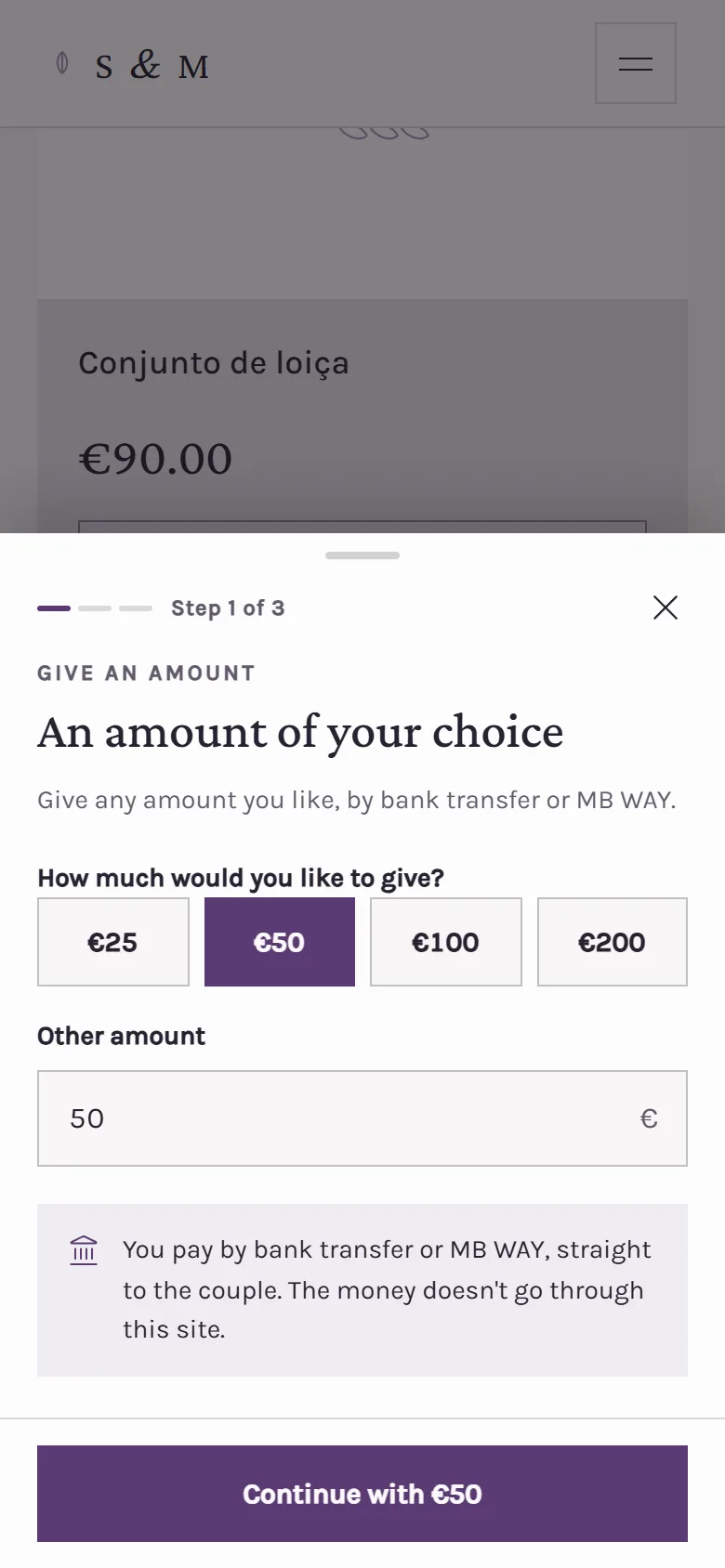
Press the button under the gift. For a fund, or for An amount of your choice, choose how much to give: €25, €50, €100 or €200, or another amount from €1. Press Continue.
- 2
Type your details
Your name is what the couple will see. Your email is required, because that's where we send the payment details. The message for the couple is optional. Press Confirm gift.
- 3
Send the amount to the couple
You see the amount and the couple's details: their IBAN, their MB WAY, or both, depending on what they added, each with a Copy button. Send the transfer or MB WAY in your banking app and use Gift from and your name as the reference.
If a gift says Already chosen, someone else is already giving it. Choose another one from the list.
FAQ
Does my money go through the site?
No. You pay the couple directly, by bank transfer or MB WAY. The site never receives the money.
How does the couple know I've paid?
They see the transfer in their account and mark the gift as received. If it hasn't arrived, they can ask us to send you a reminder by email.
I chose a gift and changed my mind. What now?
Talk to the couple. They can make the gift available again for someone else.
The couple hasn't added payment details yet. What do I do?
The site tells you before you confirm. You can still choose: your gift is recorded and the couple will be in touch to arrange how to send it.
Did this guide help?
Don't have a site yet?
Create yours in two minutes. Free until you decide to publish.
Create our site (opens in a new tab)